Loading and saving files
surfalize reads a wide range of topography formats (.vk4/6/7, .sur, .sdf, .plu, .plux, .al3d, .opd, .x3p, .gwy, .nms, .zmg, .os3d, .tmd, .xyz, …) through a single Surface.load entry point, and can write several of them back out. This example uses the bundled example files, which are downloaded on demand from the surfalize repository.
Discovering example files
list_examples returns the measurement files shipped with the project. Pass a suffix to filter by format.
[1]:
from surfalize.examples import list_examples

list_examples('.vk4')
[1]:
[ExampleFile(test_1.vk4), ExampleFile(test_2_non_unicode.vk4)]
Loading a measurement
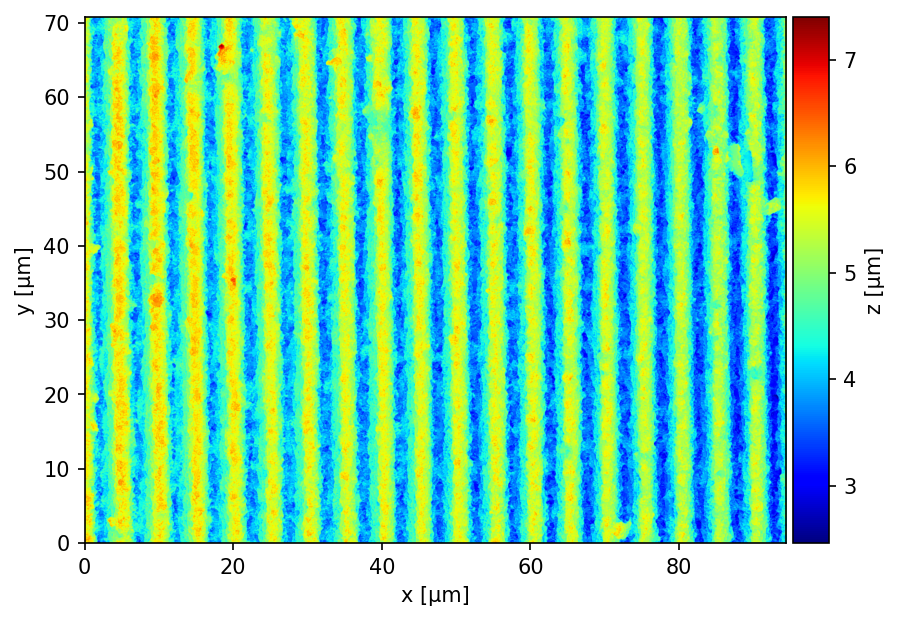
Every example exposes a .load() method returning a Surface. Stating the surface as the last line of a cell renders its topography directly.
[2]:
surface = list_examples('.vk4')[0].load()
surface
[2]:
Surface(94.40 x 70.79 µm²)
The Surface carries its physical dimensions, so analysis results come out in real units (µm).
[3]:
print(surface)
print('Pixels:        ', tuple(surface.size))
print('Width x Height:', f'{surface.width_um:.1f} x {surface.height_um:.1f} µm')
Surface(94.40 x 70.79 µm²)
Pixels:         (1536, 2048)
Width x Height: 94.4 x 70.8 µm
Saving and round-tripping
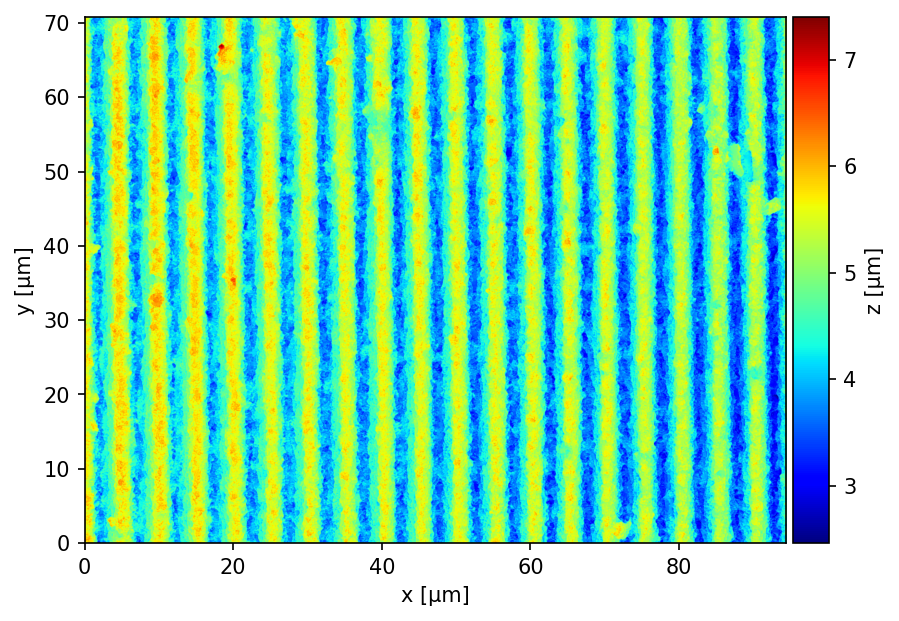
Surface.save writes the topography to another format — here the SURF (.sur) format. Reloading it yields an equivalent surface.
[4]:
surface.save('measurement.sur')

from surfalize import Surface
Surface.load('measurement.sur')
[4]:
Surface(94.40 x 70.79 µm²)